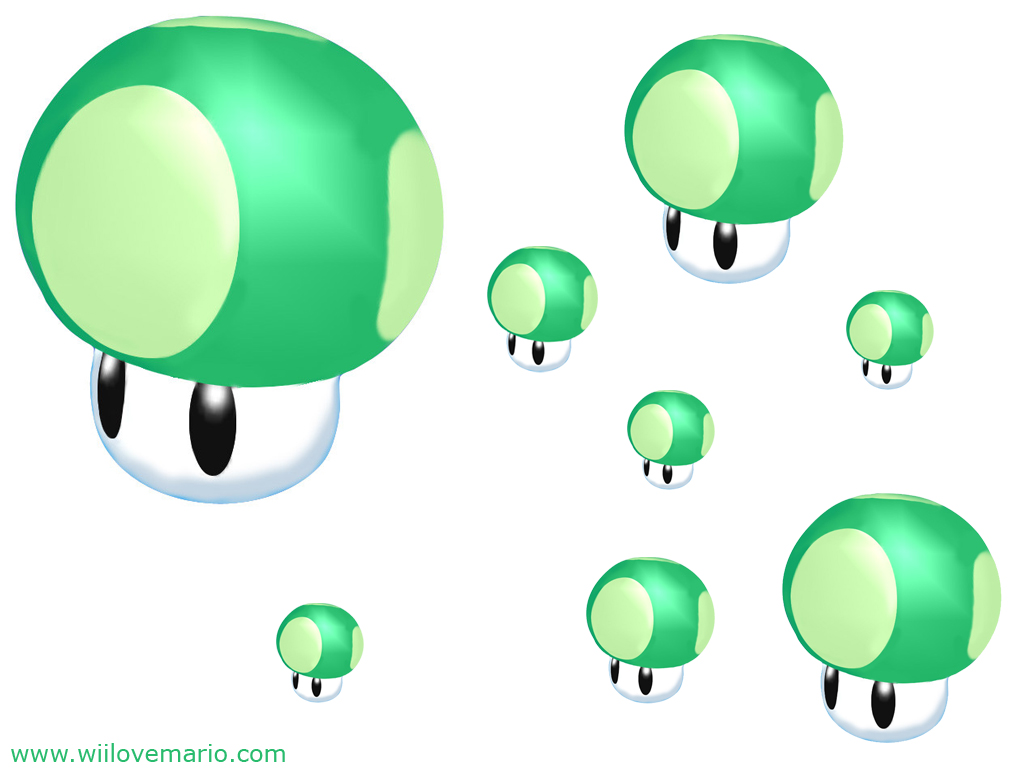
Mario MySpace Layout – 1UP Mushrooms Sponsors Super Mario Bros Myspace Layout: 1 UPs MySpace Layout: 1 UPs To use this 1024×768 Super Mario Bros Layout as your Myspace LayoutCopy & Paste the Layout Code below into the “About Me:” Section of your MySpace Profile. MySpace Layout Code: <style type="text/css"> { Background Properties } table, tr, td { background-color:transparent; border:none; border-width:0;} body { background-color:FFFFFF; background-image:url('http://www.wiilovemario.com/img/super_mario_myspace_layout_1up.jpg'); background-attachment: fixed; background-position:top center; background-repeat:no-repeat; scrollbar-face-color:170245; scrollbar-highlight-color:CCCC22; scrollbar-3dlight-color:AA2288; scrollbar-shadow-color:BB9999; scrollbar-darkshadow-color:99BBBB; scrollbar-arrow-color:FFFF22; scrollbar-track-color:62479C; } { Table Properties } table table { border: 0px } table table table table{border:0px} table table table { border-style:dotted; border-width:3px; border-color:CC2244; background-color:transparent; } table table table td { background-color:EEEEEE; filter:alpha(opacity=80); -moz-opacity:0.80; opacity:0.80; -khtml-opacity:0.80; } table table table table td {filter:none;} { Text Properties } table, tr, td, li, p, div { font-family:verdana; color:4722A3; font-size:12px; font-weight:bold; } .btext { font-family:verdana; color:4722A3; font-size:12px; font-weight:bold; } .blacktext10 { font-family:courier new; color:4722A3; font-size:9px; font-weight:bold; } .blacktext12 { font-family:tahoma; color:4722A3; font-size:16px; font-weight:bold; } .lightbluetext8 { font-family:tahoma; color:4722A3; font-size:10px; font-weight:bold; } .orangetext15 { font-family:georgia; color:4722A3; font-size:14px; font-weight:bold; } .redtext { font-family:verdana; color:4722A3; font-size:10px; font-weight:bold; } .redbtext { font-family:verdana; color:4722A3; font-size:9px; font-weight:bold; } .text { font-family:tahoma; color:4722A3; font-size:10px; font-weight:bold; } .whitetext12 { font-family:verdana; color:4722A3; font-size:14px; font-weight:bold; } a:active, a:visited, a:link { font-family:verdana; color:4722A3; font-size:12px; font-weight:bold; } a:hover { font-family:verdana; color:4722A3; font-size:12px; } a.navbar:active, a.navbar:visited, a.navbar:link { font-family:georgia; color:4722A3; font-size:12px; font-weight:bold; } a.navbar:hover { font-family:georgia; color:4722A3; font-size:12px; } a.redlink:active, a.redlink:visited, a.redlink:link { font-family:courier new; color:4722A3; font-size:10px; font-weight:bold; } a.redlink:hover { font-family:courier new; color:4722A3; font-size:10px; } .nametext { font-family:verdana; color:4722A3; font-size:16px; font-weight:bold; } </style> <a href="http://www.wiilovemario.com" target="_blank"><img src="http://www.wiilovemario.com/img/button.gif" alt="Super Mario Bros Myspace Layouts" style="position:absolute; left:0px; top: 0px;" border="0" /></a> How to install this Mario MySpace Layout Login to your Myspace account. Click the ‘Edit Profile’ link located directly to the right of your profile picture. Copy the code above and paste it into your “About Me:” section. Click on “Save All Changes”